
howtosubscribe
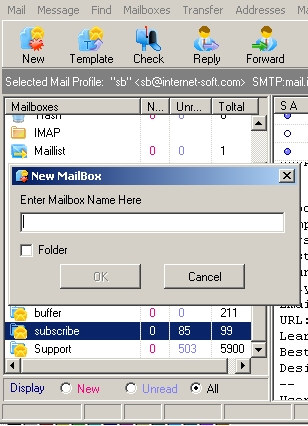
1) Add "Unsubscribe" mailbox on the main form
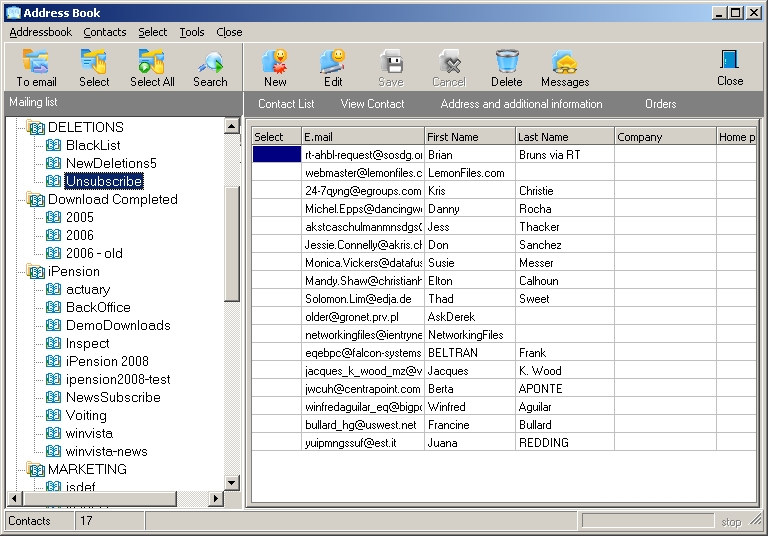
2) Open addressbook. Add "Unsubscribe" maillist in addressbook
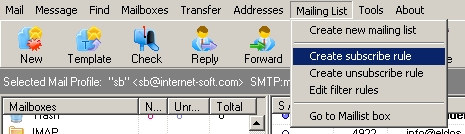
3) Select "Create unsubscribe rule" menu item on the main form
4) Select mailing list name where you want to delete emails (field "maing list name")
Set unsubscribe rule options
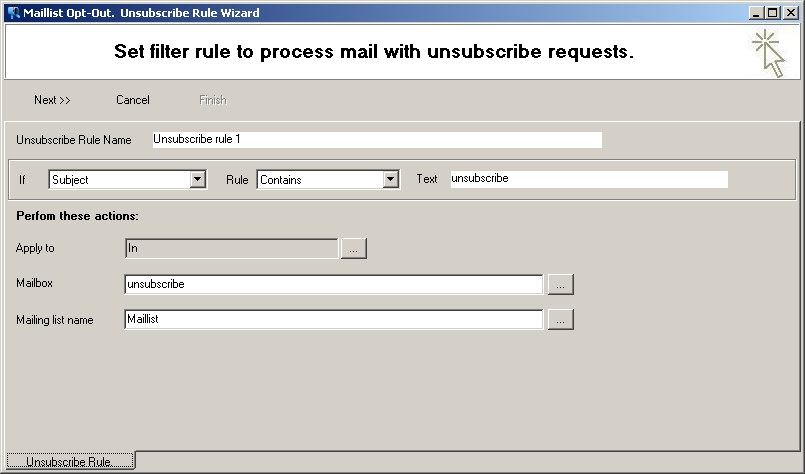
The subject of message should contain some text for message filtering
The message will be transferred into selected mailbox and emaill address will be added into subscriber list
5) Click "Next" and adjust form processing script (how to extract email address from message text ....)
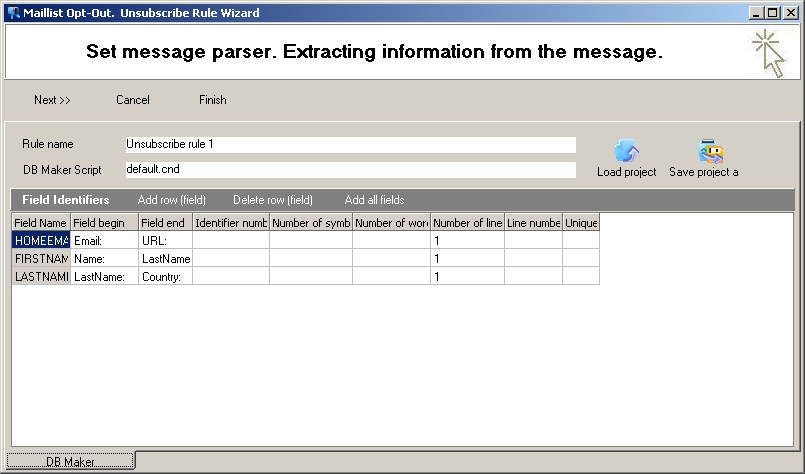
Click "Finish"
6) Select "Edit filter rules"
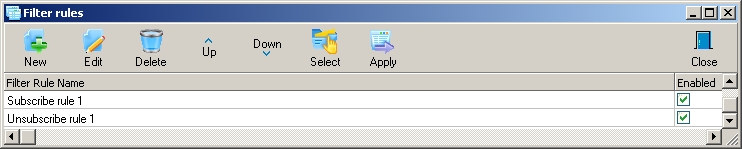
and select your filter rule name
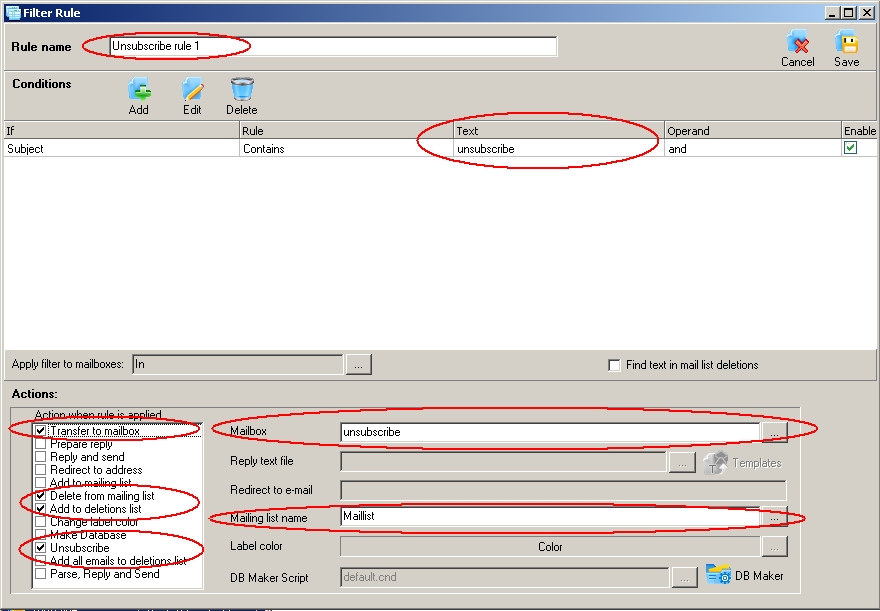
Verify/Edit filter rule options
Transfer to mailbox - see (1)
Delete from mailing list - see (2)
Deletions list - see "Address -> Deletions" in the main menu
Save filter rule.
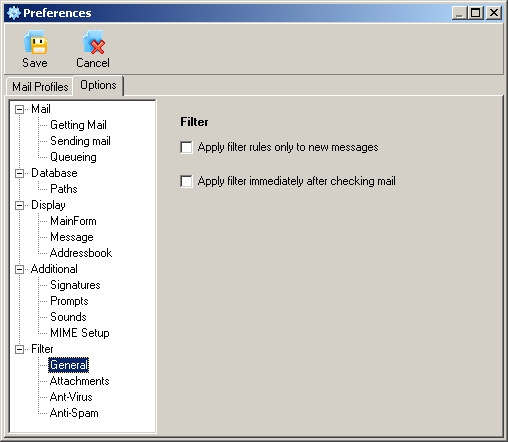
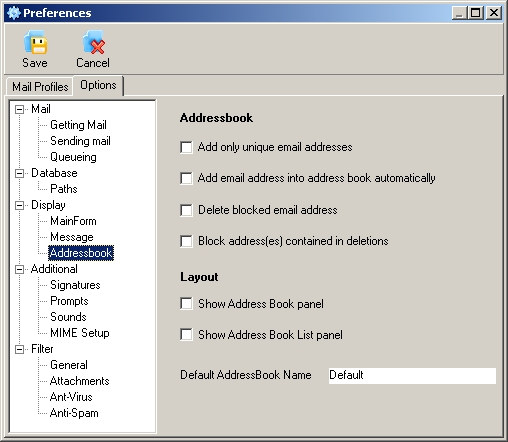
7) Select "Options"
Set filter processing and other options.
8) You can also apply filter on the main form usning menu item:
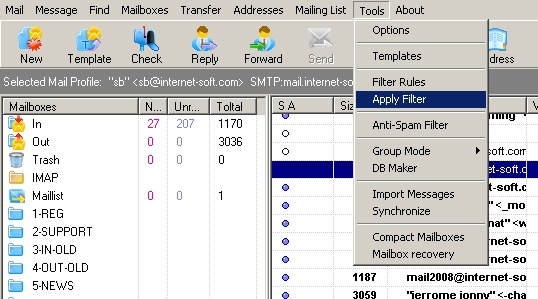
The filter rule will be applyed from cusros
9) Verify filter rule results in addressbook