howtosubscribe
1) Select main menu item
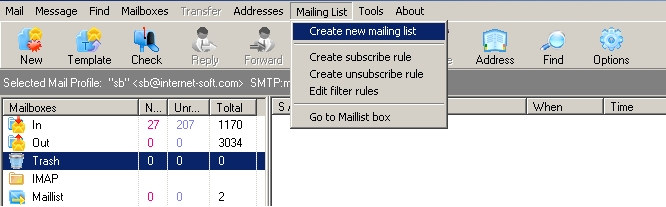
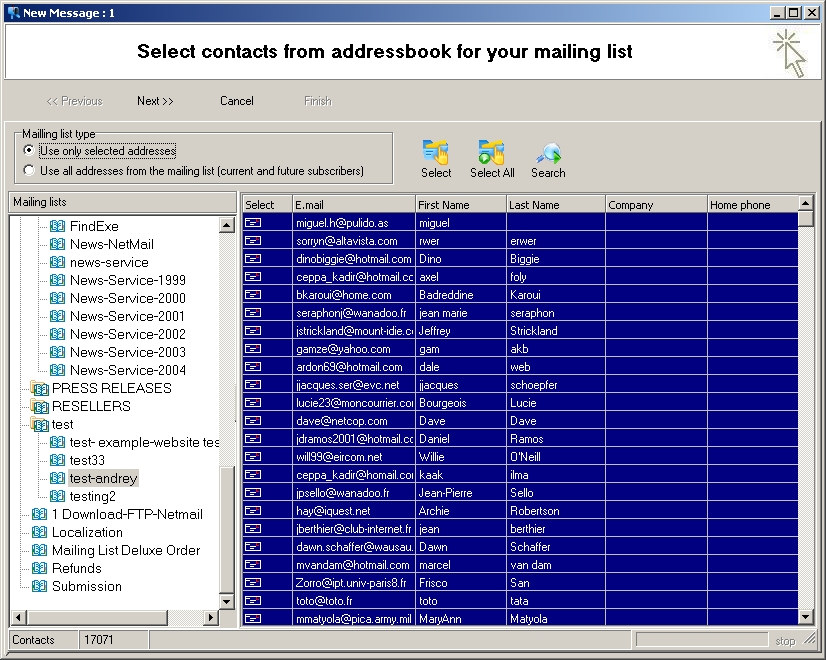
2) Follow maillist wizard.
Select maillist type and emails from addressbook. Use "Select All" button.
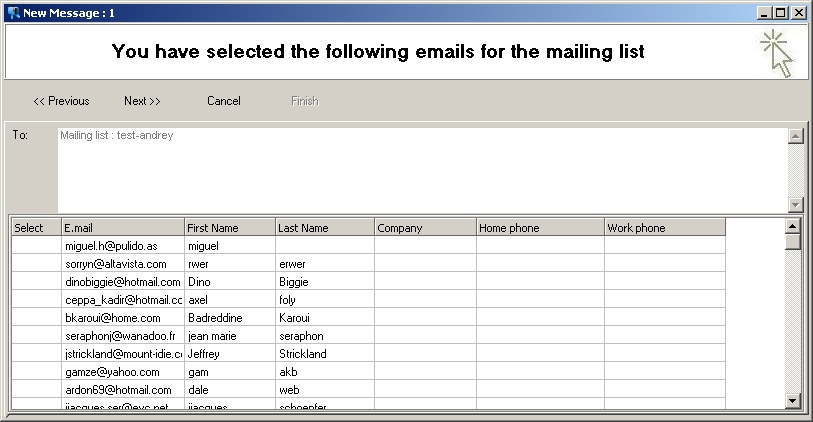
3) Click "next"
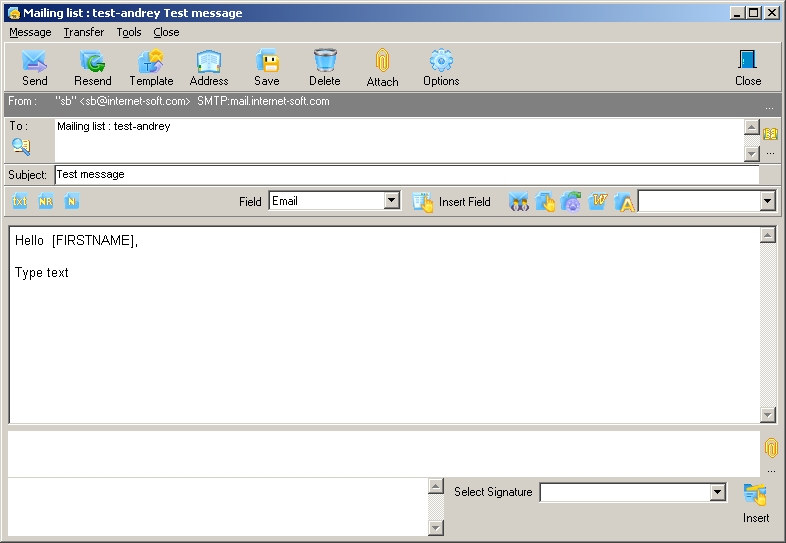
4) Create maillist message
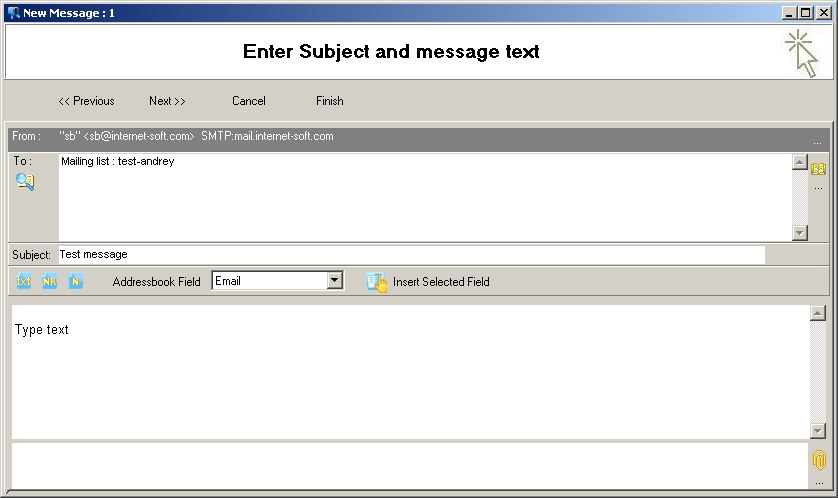
Click "Finish"
5) Open "Maillist" mailbox
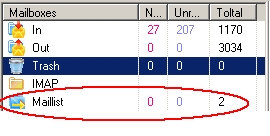
6) Select "Maillist message" (Double click)
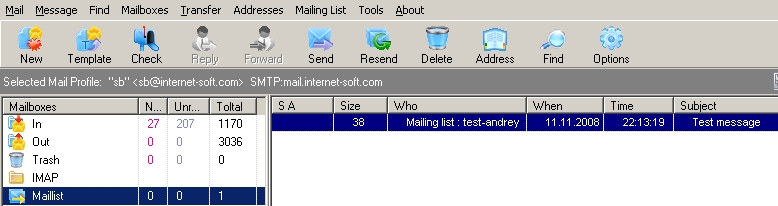
7) Edit message, select mail profile (Options) and press "Send"